
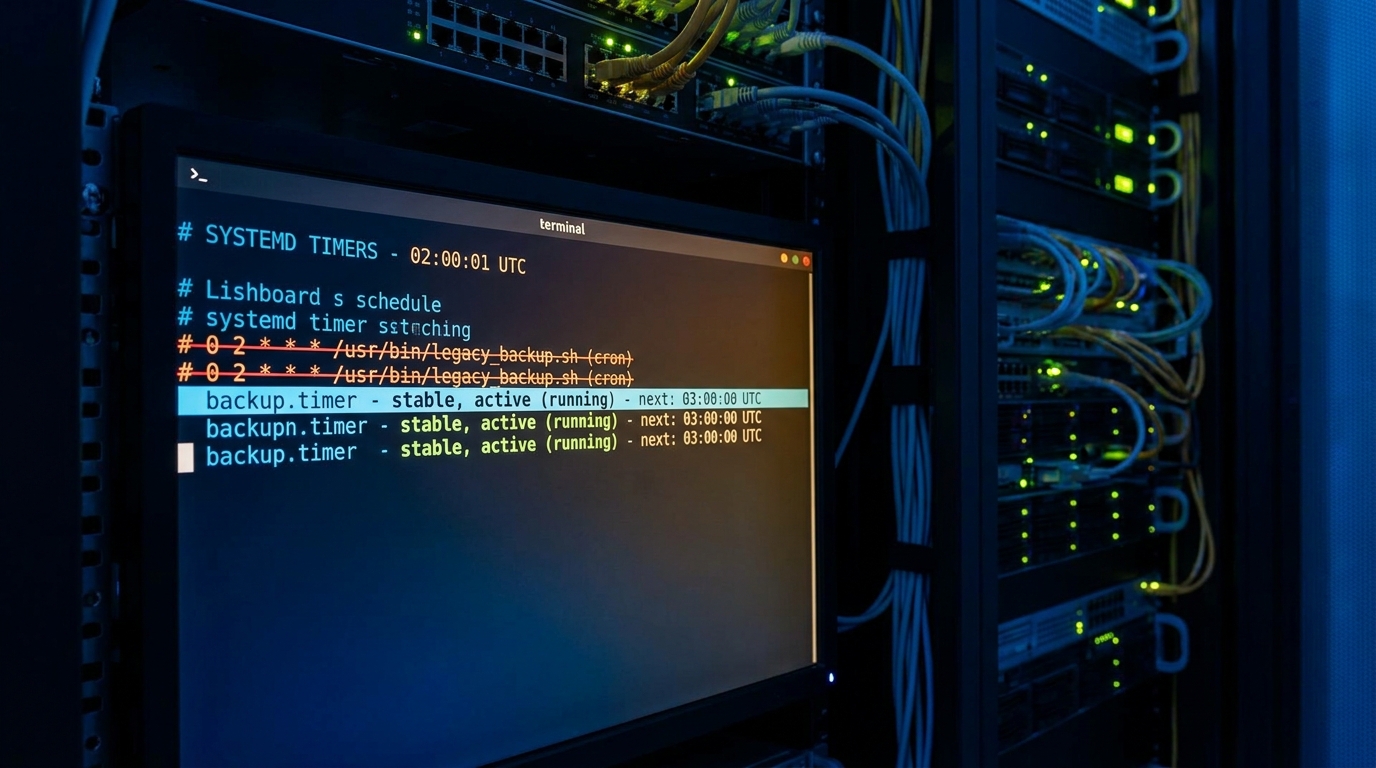
At 8:40 on a Sunday morning, I opened a dashboard expecting one quiet green checkmark: nightly export complete. Instead, the latest file was from Friday. The server had rebooted after patching, the machine clock came back fine, and nobody got paged, but the job that should have run at 2:00 AM simply never happened.
If you have lived through this once, you know the feeling. Cron looked correct. The script worked. Yet a missed window still made it to production data. That was the week I stopped treating scheduling as “just a line in crontab” and moved recurring tasks to a model I could reason about, test, and audit.
This guide is a practical, Linux-first playbook for teams that want systemd timers vs cron decisions based on behavior, not habit. We will build a catch-up-safe timer with Persistent=true systemd timer, spread load with RandomizedDelaySec, and verify schedules with systemd-analyze calendar.
A better mental model than “did cron run?”
Cron is still useful, especially on very small systems, but it is intentionally minimal. Systemd timers give you explicit unit lifecycle, journal integration, dependency control, and predictable visibility. That matters when jobs are part of production reliability, not just housekeeping.
From the systemd timer manual, three details change how you design recurring jobs:
- Timer units usually trigger a service unit of the same base name.
- If the target unit is already active, the timer does not spawn parallel copies automatically.
- Calendar and monotonic expressions can be combined when needed.
That combination removes a lot of accidental complexity. Your schedule and execution contract live in first-class unit files, not in shell comments and tribal memory.
The migration pattern that actually sticks
When teams move from cron to timers, they often copy timing semantics but forget operational semantics. The safer sequence is:
- Define a single-purpose service with clear exit codes and logging.
- Attach one timer with calendar syntax, catch-up behavior, and jitter.
- Validate next-run math before enabling.
- Observe one full cycle in journald and only then remove cron.
Here is a realistic pair of units for a nightly export.
# /etc/systemd/system/nightly-export.service
[Unit]
Description=Nightly data export
Wants=network-online.target
After=network-online.target

[Service]
Type=oneshot
User=www-data
Group=www-data
WorkingDirectory=/srv/app
ExecStart=/usr/local/bin/nightly-export.sh
# Hard stop if a hung script runs too long
TimeoutStartSec=25min
# Security posture for a script that only writes to /var/backups
NoNewPrivileges=yes
PrivateTmp=yes
ProtectSystem=strict
ReadWritePaths=/var/backups/nightly

# /etc/systemd/system/nightly-export.timer
[Unit]
Description=Run nightly export at 02:00 with catch-up and jitter

[Timer]
OnCalendar=*-*-* 02:00
Persistent=true
RandomizedDelaySec=10m
AccuracySec=1m
Unit=nightly-export.service

[Install]
WantedBy=timers.target
Why this shape works:
- Persistent=true tells systemd to run the missed event after downtime, which is exactly what cron users usually assume but do not always get in practice.
- RandomizedDelaySec=10m avoids synchronized spikes when many hosts run identical schedules.
- AccuracySec=1m keeps timing practical while allowing wake-up coalescing.
Tradeoffs you should decide up front
1) Catch-up vs strict window. Persistent catch-up is excellent for backups and reporting. It is risky for jobs that must only run during a narrow business window. For those, keep Persistent disabled and make missed runs explicit.
2) Jitter vs exact time. If external dependencies are load-sensitive, jitter helps. If legal or market constraints demand exact boundaries, reduce or remove jitter and tighten validation.
3) One-shot service vs long-running lock logic. Prefer a short, idempotent one-shot unit and make re-runs safe in the script itself. It is usually easier to test than elaborate lock wrappers.
Verification workflow before you trust production
The biggest win in this migration is observability. You can ask systemd exactly what it thinks.
# Reload unit files and enable timer
sudo systemctl daemon-reload
sudo systemctl enable --now nightly-export.timer

# Show current/next run times and trigger unit
systemctl list-timers nightly-export.timer --all
systemctl status nightly-export.timer

# Validate calendar expression independently
systemd-analyze calendar '*-*-* 02:00'

# Dry run the service immediately
sudo systemctl start nightly-export.service
journalctl -u nightly-export.service -n 120 --no-pager
For teams that maintain runbooks in Git, capture this command set directly in the repository. It pairs nicely with operational discipline patterns discussed in our runbook drift playbook and complements reliability controls from the partial commit reliability article.
Troubleshooting: when your timer still does not behave
Symptom: timer enabled, but service never fires
- Check typo drift between timer name and service name (or explicit
Unit=). - Run
systemctl cat nightly-export.timerto verify loaded config, not just edited files. - Use
systemd-analyze verify /etc/systemd/system/nightly-export.timerfor syntax and unit references.
Symptom: service fires, but exits instantly with no useful logs
- Set
set -euo pipefailin the script and write explicit error lines to stderr. - Confirm runtime user permissions for output paths.
- Inspect full journal context with
journalctl -u nightly-export.service --since '1 day ago'.
Symptom: jobs bunch up across hosts
- Increase
RandomizedDelaySecfor better spread. - Keep a sane
AccuracySec; too strict can reduce coalescing benefits. - If workload is globally heavy, stagger calendar schedules by environment (prod/stage/dev).
Also review adjacent hardening patterns from the security operations guide and deployment safety checks in the artifact attestation runbook.
A rollout pattern that avoids surprise regressions
For teams with many existing cron entries, the safest migration is incremental:
- Week 1: move one low-risk job and keep manual validation notes in the repo.
- Week 2: migrate one business-critical job, but add explicit alerting on non-zero exit and runtime overrun.
- Week 3: standardize a reusable unit template for ownership, timeout, and hardened defaults.
This staged path matters because schedule migrations fail less on syntax and more on assumptions. You discover hidden dependencies, missing runtime permissions, and stale host clocks only when you observe real runs. A small, disciplined rollout lets you fix those issues before they become a widespread reliability incident. If you operate mixed workloads, keep cron for truly trivial jobs and standardize timers where the cost of a missed run is measurable.
FAQ
1) Is cron obsolete now?
No. Cron is still fine for simple, non-critical tasks on small hosts. But when you need auditable behavior, dependency ordering, and robust catch-up semantics, systemd timers are usually the better engineering default.
2) Does Persistent=true run every missed interval after downtime?
In practice, you should expect catch-up behavior for the missed event when the timer becomes active again. Do not design around an assumption of replaying a long backlog automatically. If backlog replay matters, implement it inside the job logic with explicit range handling.
3) Should I keep both cron and timer during migration?
Only briefly for a controlled handover, and never on the same schedule. Shadow mode is useful, double execution in production is not. Run timer validation first, then remove the cron entry cleanly.
Actionable takeaways
- Use systemd timers vs cron as an operational decision: choose timers for production-grade visibility and control.
- Adopt Persistent=true systemd timer only when catch-up semantics match business intent.
- Use RandomizedDelaySec to avoid synchronized load spikes across fleets.
- Validate every schedule with systemd-analyze calendar before enablement.
- Treat timer migration as reliability work, not syntax conversion.
If your last “missed nightly job” incident still has no clear postmortem action, start with one service, one timer, and one verification checklist. You will feel the difference in the next outage review.
Leave a Reply