
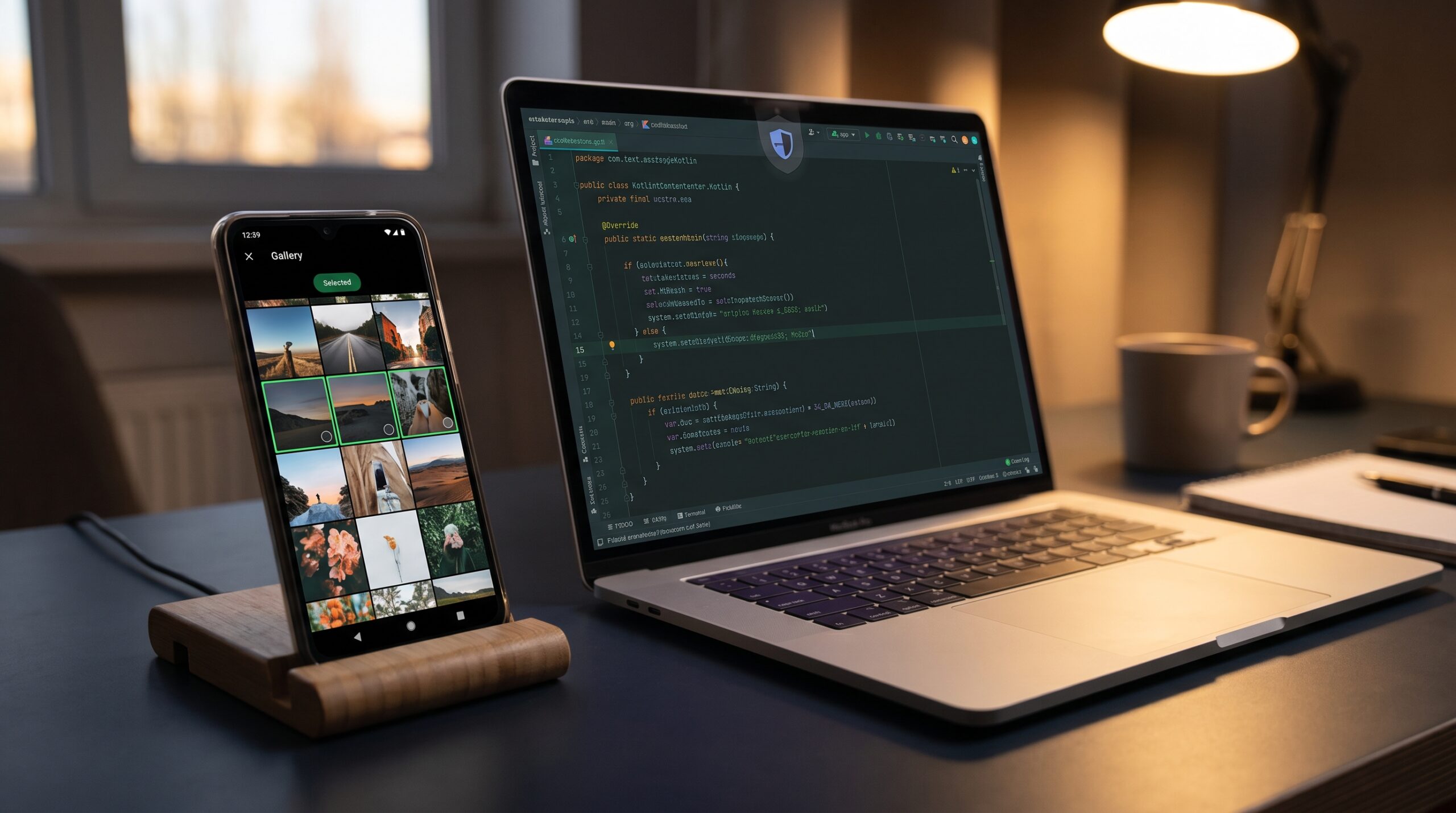
Friday night, 10:42 PM. Our QA lead dropped a screen recording in Slack with one line: “Upload is broken on Android 14.” The app still opened the gallery. The user still tapped a photo. But the image pipeline failed two steps later with a quiet permission error we never saw in staging.
The bug was not in compression code, networking, or retries. It was in an assumption we carried for years: once users grant media access, we can keep browsing their whole gallery. On modern Android, that assumption is expensive. Android 13 split media permissions, Android 14 introduced Selected Photos Access, and the system now expects apps to be explicit, respectful, and temporary by default.
This guide is the playbook I wish we had before that release. If you are planning an Android photo picker migration, this will help you ship without breaking upload flows, privacy expectations, or support dashboards.
The shift that changed media access
Three platform shifts matter most:
- Android 13 replaced broad storage reads with granular media permissions like
READ_MEDIA_IMAGESandREAD_MEDIA_VIDEO. - Android 14 added
READ_MEDIA_VISUAL_USER_SELECTED, so users can grant partial access instead of full gallery access. - Photo Picker gives a permission-light path, with automatic fallback to
ACTION_OPEN_DOCUMENTwhere needed.
Tradeoff in plain English: Photo Picker is easier and safer, but gives less raw control than a custom gallery. A custom gallery can still work, but now permission states are more complex and can change at runtime. If your product does not need a fully custom media browser, picker-first architecture is the lower-risk path.
A practical architecture decision (picker-first, query-second)
In most products, media operations fall into two buckets:
- User-initiated selection (profile photo, story upload, receipt attach).
- Library browsing inside the app (custom timeline, media manager).
For bucket one, use Photo Picker and avoid permission debt. For bucket two, keep MediaStore queries, but design for partial visibility and reselection UX. This split architecture keeps 80 percent of flows simple while preserving power where needed.
If your team is currently debugging background-delivery issues too, this pairs well with your existing reliability work on WorkManager reliability on Android 16.
Migration blueprint: four phases that reduce regressions
Phase 1: declare only what you need
Keep legacy compatibility, but stop asking for broad reads where they are not required.
<!-- Android 12L and below -->
<uses-permission
    android:name="android.permission.READ_EXTERNAL_STORAGE"
    android:maxSdkVersion="32" />

<!-- Android 13+ granular media -->
<uses-permission android:name="android.permission.READ_MEDIA_IMAGES" />
<uses-permission android:name="android.permission.READ_MEDIA_VIDEO" />

<!-- Android 14+ partial gallery access for custom pickers -->
<uses-permission android:name="android.permission.READ_MEDIA_VISUAL_USER_SELECTED" />
If your flow is picker-only, you can often avoid runtime storage permission prompts entirely. That usually improves conversion because users trust a one-off picker more than a broad permission modal.
Phase 2: wire Photo Picker as default entry
class AttachReceiptFragment : Fragment() {

    private val pickImage = registerForActivityResult(
        ActivityResultContracts.PickVisualMedia()
    ) { uri: Uri? ->
        if (uri == null) return@registerForActivityResult

        // Persist read permission when work continues after process restart.
        requireContext().contentResolver.takePersistableUriPermission(
            uri,
            Intent.FLAG_GRANT_READ_URI_PERMISSION
        )

        viewLifecycleOwner.lifecycleScope.launch {
            uploadReceipt(uri)
        }
    }

    fun onAttachButtonClicked() {
        pickImage.launch(
            PickVisualMediaRequest(ActivityResultContracts.PickVisualMedia.ImageOnly)
        )
    }
}
This is where many teams miss a subtle detail: URI access can be temporary. If uploads continue in workers after app restarts, persist permissions intentionally and still handle expiry gracefully. Never assume a URI will stay readable forever.
Phase 3: add explicit partial-access state handling
If you keep a custom gallery, treat media access as three states: full, partial, denied. Build UI for all three. On Android 14+, partial is not an edge case, it is normal behavior.
fun mediaAccessState(context: Context): MediaAccessState {
    return when {
        Build.VERSION.SDK_INT >= Build.VERSION_CODES.TIRAMISU &&
            (ContextCompat.checkSelfPermission(context, Manifest.permission.READ_MEDIA_IMAGES) == PackageManager.PERMISSION_GRANTED ||
             ContextCompat.checkSelfPermission(context, Manifest.permission.READ_MEDIA_VIDEO) == PackageManager.PERMISSION_GRANTED) -> {
            MediaAccessState.FULL
        }

        Build.VERSION.SDK_INT >= Build.VERSION_CODES.UPSIDE_DOWN_CAKE &&
            ContextCompat.checkSelfPermission(context, Manifest.permission.READ_MEDIA_VISUAL_USER_SELECTED) == PackageManager.PERMISSION_GRANTED -> {
            MediaAccessState.PARTIAL
        }

        Build.VERSION.SDK_INT <= Build.VERSION_CODES.S_V2 &&
            ContextCompat.checkSelfPermission(context, Manifest.permission.READ_EXTERNAL_STORAGE) == PackageManager.PERMISSION_GRANTED -> {
            MediaAccessState.FULL
        }

        else -> MediaAccessState.DENIED
    }
}
Also refresh MediaStore-backed lists on onResume. Users can change access in Settings while your app is backgrounded. Cached assumptions are where many “works on my device” bugs are born.
Phase 4: plan re-selection UX as a product feature
Do not hide re-selection in a dead-end error toast. Add an obvious “Manage selected photos” action near your gallery UI. Explain why some media is invisible and provide one-tap recovery.
When this is done well, support tickets drop and trust improves. This is similar to what we learned in resilience-first flows for mobile sync conflict handling and in robust fallback design for deep links across app/web boundaries.
Rollout plan that keeps risk small
Do this migration in slices, not one giant release. Start with one entry point, usually profile photo or support-ticket attachment, then expand to other upload surfaces. Gate the new path behind remote config and keep a short rollback window during the first week.
For observability, instrument each step with explicit events:
picker_opened,picker_cancelled,picker_uri_receiveduri_read_failedwith reason category (permission, file missing, decode failure)upload_started,upload_completed,upload_failed
This makes tradeoffs measurable. For example, if completion improves but cancel rate spikes, your UX copy is likely unclear. If completion drops only on older Android versions, your fallback path needs work, not the picker itself.
Security and privacy teams usually care about one more thing: data minimization. Picker-first flows are easier to justify in audits because your app asks for exactly what it needs at the moment it needs it. That same principle made our passkey migration cleaner too, where scoped trust replaced broad, long-lived assumptions.
Finally, align QA with real devices, not only emulators. Permission UX, OEM gallery providers, and background behavior can vary. A small manual matrix across two Pixel devices and one popular OEM often catches the bugs synthetic runs miss.
Troubleshooting in production
1) “It worked once, then uploads started failing”
Likely cause: URI permission expired after process death or app background lifecycle transition.
Fix: Persist URI permission when truly needed, and wrap file reads with explicit fallback to re-pick flow.
2) “User selected photos, but our custom gallery looks empty”
Likely cause: App assumes full MediaStore visibility and never handles partial mode.
Fix: Add partial-access state, rerun queries on resume, and show a guided re-selection CTA.
3) “Permission prompts keep appearing”
Likely cause: Permission requests happen at app start or in multiple fragmented flows.
Fix: Ask at moment-of-need, request related permissions in one operation, and avoid repeated startup prompts.
4) “HDR clips look wrong in previews”
Likely cause: App pipeline lacks consistent HDR handling.
Fix: Use photo picker transcoding capabilities where applicable, then measure conversion latency and output size tradeoffs before enabling globally.
FAQ
Do we still need storage permissions if we use only Photo Picker?
Often, no. For user-driven attach flows, Photo Picker can remove the need for broad read permissions. Keep permissions only for features that genuinely require direct library querying.
Should we keep our custom gallery for power users?
Only if it creates clear product value. Custom galleries now carry ongoing complexity: partial grants, reselection UX, state refresh, and test matrix growth. If that value is weak, retire it and simplify.
How do we test this without missing edge cases?
Build a matrix by OS version (12/13/14/15+), permission mode (full/partial/denied), and lifecycle events (cold start, background-foreground, process death). Add this to CI device runs, just like you would for startup performance checks in our Macrobenchmark and Baseline Profiles playbook.
Actionable takeaways
- Set Android photo picker migration as the default for user-initiated media selection.
- Treat READ_MEDIA_VISUAL_USER_SELECTED as a first-class state, not a corner case.
- Replace permanent permission caching with live checks and lifecycle refreshes.
- Design re-selection UX up front, because privacy-safe access changes are user-driven.
- Track success metrics: upload completion rate, permission denial rate, and support tickets per 1,000 uploads.
We did not fix our Friday-night bug by adding retries. We fixed it by changing the model: selected media access is now a product contract, not a permission footnote. Once that clicked, the implementation got simpler, and the app became more trustworthy for users.
Leave a Reply