
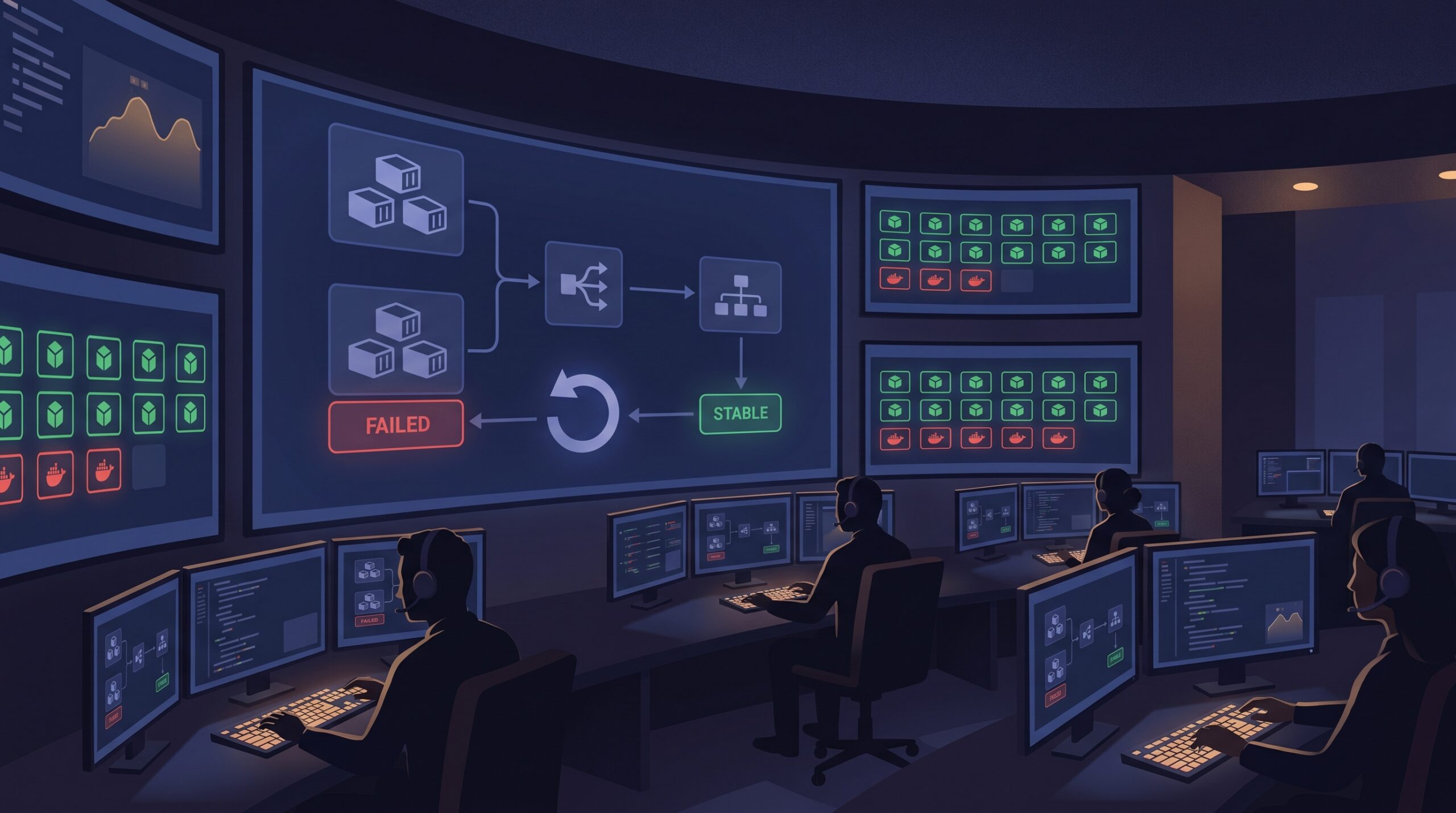
At 8:37 PM on a Thursday, our deployment dashboard looked green, but the support channel told a different story. New tasks were launching in Amazon ECS, then disappearing before they handled real traffic. We rolled forward twice, then rolled back manually, and still burned almost an hour because nobody trusted which knob to touch first. The lesson was painful but useful: if your ECS and ALB timing model is fuzzy, every deploy becomes a coin toss.
This post is the runbook we now use for ECS deployment circuit breaker rollouts on Fargate, with explicit ALB timing and rollback decisions. If you run production APIs, this will save you from “it worked in staging” outages.
The three clocks that decide whether your release survives
Most failed Fargate rolling deployment incidents are not caused by one bug. They happen when three independent timing systems fight each other:
- ECS deployment policy (minimumHealthyPercent, maximumPercent, and circuit breaker behavior).
- ALB health model (check interval, healthy threshold, deregistration delay).
- Container shutdown/startup behavior (readiness endpoint correctness, stop timeout, startup warm-up).
A release can be logically correct and still fail if these clocks are misaligned. For example, a container that needs 25 seconds to become healthy but is evaluated too aggressively will churn until the circuit breaker marks the deployment failed.
Baseline configuration that avoids guesswork
Start with a boring, explicit baseline and change one parameter at a time. This is what we apply first for services with moderate traffic and stateless handlers:
{
  "deploymentConfiguration": {
    "deploymentCircuitBreaker": {
      "enable": true,
      "rollback": true
    },
    "minimumHealthyPercent": 100,
    "maximumPercent": 200
  },
  "healthCheckGracePeriodSeconds": 45
}
Then tune per service, not globally:
- If the cluster has little spare capacity, reduce
minimumHealthyPercentcarefully (for example 75 or 50) to make room for replacements. - If startup is slow because of cache warm-up or JIT, increase
healthCheckGracePeriodSecondsinstead of weakening health checks. - If your app has long-lived requests, shorten deploy blast radius first, then revisit ALB deregistration delay.
My preferred deployment command for risky releases
When we already suspect startup sensitivity (new framework version, config migration, or dependency bump), we force deployment with deliberate limits and watch deployment events in real time:
aws ecs update-service \
  --cluster prod-apps \
  --service billing-api \
  --task-definition billing-api:314 \
  --deployment-configuration "maximumPercent=150,minimumHealthyPercent=100,deploymentCircuitBreaker={enable=true,rollback=true}" \
  --health-check-grace-period-seconds 60 \
  --force-new-deployment

aws ecs describe-services \
  --cluster prod-apps \
  --services billing-api \
  --query "services[0].deployments[*].[id,status,rolloutState,rolloutStateReason]" \
  --output table
The goal is simple: keep enough old capacity online, give new tasks a fair warm-up window, and let the rollback happen automatically if rollout state degrades.
ALB settings that speed up safe rollouts
Health checks are often either too strict or too lazy. For APIs that start quickly and expose a real readiness endpoint, these settings usually reduce noisy churn:
- Health check interval: 5 to 10 seconds
- Healthy threshold: 2
- Path: readiness path that validates dependencies you truly need at request time
At the same time, review target group deregistration delay. The default can be fine for long requests, but for short API calls it may keep draining targets around longer than needed. Keep this aligned with your app shutdown behavior so in-flight traffic completes without artificial 5xx spikes.
aws elbv2 modify-target-group-attributes \
  --target-group-arn arn:aws:elasticloadbalancing:ap-south-1:123456789012:targetgroup/billing-api/abc123 \
  --attributes Key=deregistration_delay.timeout_seconds,Value=60
This is where tradeoffs matter. Aggressive health checks improve rollout speed, but can punish transient dependency hiccups. Longer deregistration protects in-flight requests, but slows replacement loops. Pick values based on request duration and startup profile, not copy-paste defaults.
The runbook loop we use in production
- Before deploy: confirm readiness endpoint behavior, startup budget, and expected task count headroom.
- Deploy: update service with explicit deployment configuration and grace period.
- Observe: monitor ECS deployment events and target group healthy host count together.
- Decide in 3 to 5 minutes: if healthy count does not trend upward, stop experimenting and let circuit breaker rollback do its job.
- After rollback: inspect rolloutStateReason and task stop reasons before next attempt.
If you are building broader release safety rails, pair this with your CI controls. We use branch merge governance from our GitHub merge queue workflow write-up so fewer unstable builds reach ECS in the first place.
Troubleshooting: when deployment keeps failing even with rollback enabled
1) Tasks reach RUNNING but never become healthy
Likely cause: readiness endpoint checks dependencies that are unavailable at boot (for example, optional downstream services).
Fix: split liveness and readiness concerns, and keep readiness focused on dependencies required to serve baseline traffic.
2) Rollback triggers, but customer errors continue for minutes
Likely cause: ALB deregistration delay and application shutdown logic are mismatched.
Fix: align stop timeout in task definition with expected request duration and tune target group deregistration delay. Validate with a controlled canary drain test.
3) New tasks fail only during peak traffic
Likely cause: minimumHealthyPercent and cluster headroom leave no space for healthy replacement during spikes.
Fix: temporarily scale desired count up pre-deploy, or lower minimumHealthyPercent with explicit risk acceptance and active monitoring.
4) Deployments stall in IN_PROGRESS without clear owner action
Likely cause: no recent COMPLETED deployment exists for rollback target, or event monitoring is incomplete.
Fix: wire EventBridge alerts for deployment failure state changes and keep at least one known-good revision ready for immediate redeploy.
FAQ
Should I always set minimumHealthyPercent to 50 for faster deploys?
No. It can speed deployments in constrained clusters, but it also reduces live capacity during rollout. For latency-sensitive APIs, 100 is often safer unless you pre-scale or have strong autoscaling confidence.
Is ECS deployment circuit breaker enough, or do I still need CI gates?
You still need CI gates. Circuit breaker limits runtime blast radius, but it does not validate migration safety, contract changes, or environment assumptions. Treat it as the last defensive layer, not the first.
How do I pick a health check grace period?
Measure startup time under realistic load, then add a small safety margin. If median startup is 18 seconds and p95 is 32 seconds, a 45 to 60 second grace period is usually a practical start.
Actionable takeaways
- Enable rollback-capable circuit breaker on every ECS rolling service unless you have a documented exception.
- Tune ALB health check tuning and ECS grace period together, never independently.
- Keep one-click rollback readiness: known-good task definition revision, deployment events dashboard, and alert routing.
- Review ECS rollback strategy quarterly using game-day deploy drills, not only during incidents.
- Harden upstream release quality with OIDC-based CI access controls and retry-boundary discipline.
Related reads on 7tech
- Immutable cloud backup drills with S3 Object Lock
- Outbox and deterministic replay patterns for safer backends
Leave a Reply