
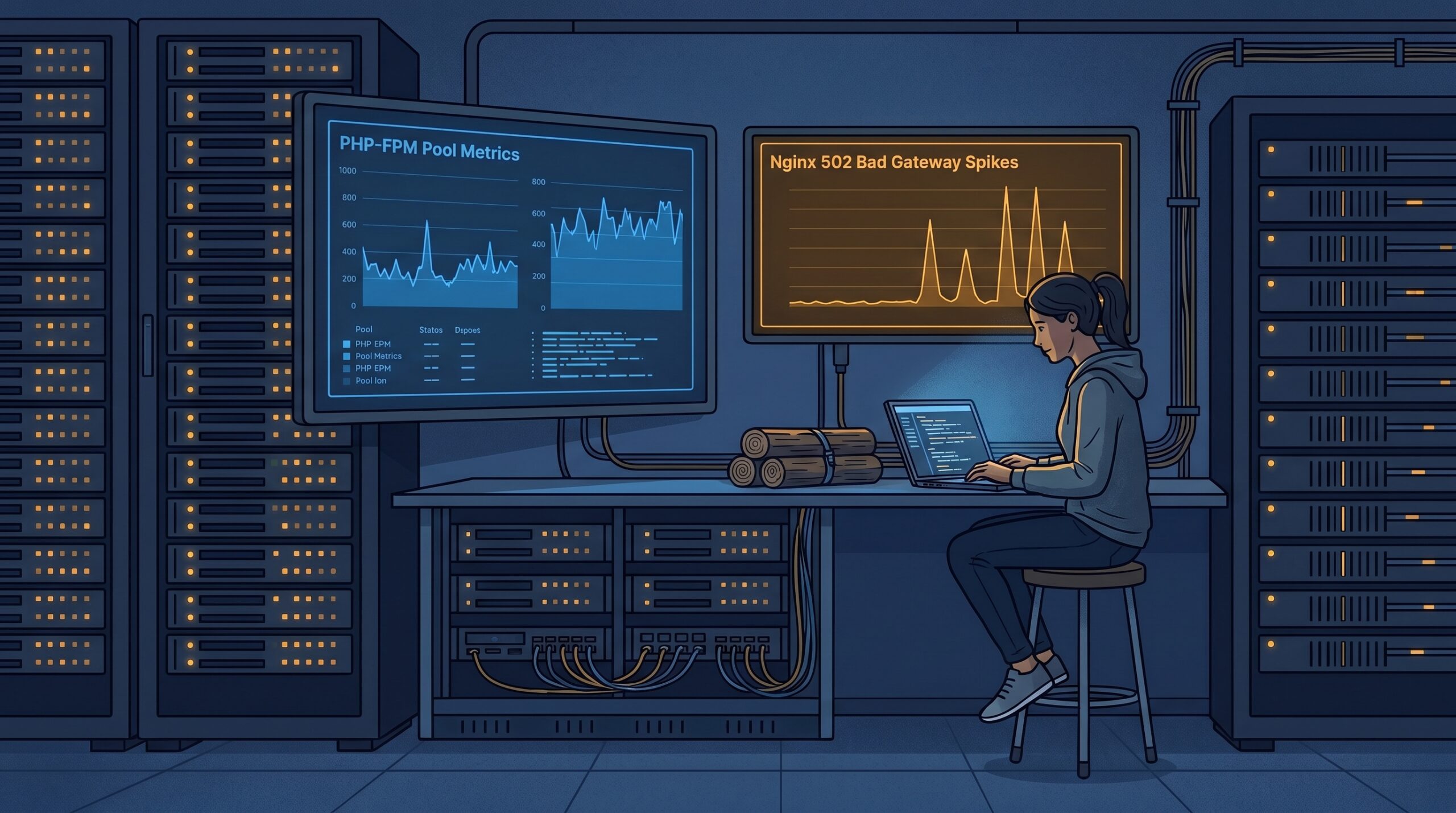
At 9:12 on a Monday morning, our dashboard looked strangely calm. CPU was under 50%, database latency was normal, and yet customer sessions were timing out in waves. The first clue was not in app logs. It was in Nginx: intermittent 502 errors, clustered in short bursts. Ten minutes later we found the pattern, PHP-FPM workers were getting saturated by a small set of slow requests, and the pool had no room left for normal traffic.
If you run PHP at any meaningful traffic level in 2026, this is still one of the easiest failure modes to miss. The fix is not one magic number. It is a system: sane pool sizing, slow-request visibility, and predictable worker recycling so one bad code path cannot poison the whole runtime.
In this guide, I will walk through the exact approach we now use in production. Primary keyword: PHP-FPM tuning. Secondary keywords: pm.max_children sizing, request_slowlog_timeout, and fastcgi_read_timeout.
The failure pattern most teams misread
The classic mistake is treating 502 spikes as a web-server issue first. In reality, Nginx is often only reporting what PHP-FPM cannot serve quickly enough. According to the PHP manual, pm.max_children sets the hard concurrency ceiling for simultaneous requests in a pool. When that ceiling is hit, requests queue, and user-facing latency explodes before infrastructure dashboards look dramatic.
The second trap is “background work” after response flush. Many teams call fastcgi_finish_request() and assume they freed capacity. The PHP docs are clear: code may continue running in that same worker process. If this happens frequently, you still exhaust workers.
A practical baseline for pool sizing
Do not start with internet folklore like “set max_children to 200.” Start with memory math and real request behavior:
- Measure typical RSS per busy PHP worker during peak windows.
- Reserve memory for OS page cache, Nginx, DB client buffers, and sidecars.
- Set
pm.max_childrenfrom remaining safe memory, then validate with real traffic.
; /etc/php/8.3/fpm/pool.d/www.conf
pm = dynamic
pm.max_children = 48
pm.start_servers = 8
pm.min_spare_servers = 8
pm.max_spare_servers = 16

; recycle workers to limit leak amplification
pm.max_requests = 500

; expose queue pressure and saturation signals
pm.status_path = /fpm-status
ping.path = /fpm-ping

; capture stack traces for slow requests
request_slowlog_timeout = 3s
slowlog = /var/log/php8.3-fpm/www-slow.log

; kill pathological requests that ignore app-level timeouts
request_terminate_timeout = 30s
Why this shape works:
pm.max_childrenprotects the host from runaway concurrency.pm.max_requestsreduces long-lived fragmentation and library leak drift.request_slowlog_timeoutgives you stack traces when latency spikes, not just averages after the incident.
Align Nginx and FPM so they fail predictably
Mismatch between Nginx FastCGI timeouts and FPM termination windows creates confusing behavior. You want clear ownership of timeout decisions.
# /etc/nginx/snippets/php-fpm.conf
location ~ \.php$ {
    include snippets/fastcgi-php.conf;
    fastcgi_pass unix:/run/php/php8.3-fpm.sock;

    # must be higher than normal app latency, lower than "stuck forever"
    fastcgi_connect_timeout 5s;
    fastcgi_send_timeout 30s;
    fastcgi_read_timeout 35s;

    # keep buffering on for most PHP apps
    fastcgi_buffering on;
}

# protect status endpoint for internal observability only
location = /fpm-status {
    allow 127.0.0.1;
    allow 10.0.0.0/8;
    deny all;
    include snippets/fastcgi-php.conf;
    fastcgi_pass unix:/run/php/php8.3-fpm.sock;
}
From the Nginx docs, fastcgi_read_timeout applies between successive read operations, not to the total full request lifecycle. That nuance matters when debugging long responses that stream intermittently.
Instrument the queue, not just response time
Latency percentiles are necessary but late. The early signal is FPM queue pressure. The FPM status page exposes listen queue, max children reached, and slow requests. Alert on those directly.
# quick triage during an incident
curl -s http://127.0.0.1/fpm-status?json | jq '{
  pool,
  active: .["active processes"],
  idle: .["idle processes"],
  listen_queue: .["listen queue"],
  max_children_reached: .["max children reached"],
  slow_requests: .["slow requests"]
}'

# tail slowlog with timestamps
sudo tail -f /var/log/php8.3-fpm/www-slow.log
If listen queue climbs while DB and CPU remain normal, suspect application locks, remote API stalls, or post-response background work pinning workers. We saw this exact pattern while hardening event consumers in our queue-first PHP webhook architecture.
Troubleshooting: 502 bursts with “healthy” infrastructure
- Check saturation first. Inspect
max children reachedandlisten queuefrom/fpm-status. - Read slow traces, not just error logs. Enable
request_slowlog_timeoutand inspect stack depth for common hotspots. - Audit lock scope. Session locks, file locks, and transaction locks can serialize traffic unexpectedly.
- Find hidden long tails. Look for code paths using
fastcgi_finish_request()while still doing network calls or heavy writes. - Correlate with host pressure. If memory reclaim or I/O throttling spikes, tune host limits too. Our Linux notes on PSI memory pressure and cgroup v2 I/O guardrails are useful companions.
- Only then change pool sizes. Increasing
pm.max_childrenwithout memory budget can turn 502 bursts into OOM kills.
Tradeoffs you should decide explicitly
Higher pm.max_children improves burst tolerance but raises memory risk. Lower pm.max_requests reduces leak accumulation but increases worker churn. Aggressive request termination protects capacity, but can kill legitimate long-running paths.
There is no universally correct value set. The right configuration is the one that matches your workload shape and recovery objectives. We generally prefer protecting global capacity over maximizing long-tail completion, then move expensive paths into queues.
FAQ
1) Should I use pm = static or dynamic in 2026?
For most mixed web workloads, dynamic remains safer because it balances idle memory and burst response. Use static only when traffic shape is stable and you have tight memory control.
2) Is pm.max_requests still necessary on modern PHP?
Usually yes. Even when core PHP is stable, extensions and app dependencies can accumulate memory over long worker lifetimes. Controlled recycling is a low-cost guardrail.
3) Can fastcgi_finish_request() replace a background queue?
No. It helps user-perceived latency, but the worker process can remain busy. For anything non-trivial or retry-prone, move work to a queue and keep FPM workers short-lived.
Actionable takeaways
- Set and monitor
pm.status_paththis week, and alert onlisten queue > 0during peak windows. - Enable slowlog with a practical timeout (for example 2-5 seconds), then review traces after each release.
- Treat
pm.max_childrenas a memory-budget number, not a performance wish. - Align Nginx FastCGI timeouts with FPM termination strategy so incidents are diagnosable, not random.
- Keep PHP request paths small and deterministic, push heavy or retryable work into queues.
If you are also running WordPress on the same estate, pair this with our session-proxy hardening guide (secure PHP session cookies behind Nginx and Cloudflare) so performance fixes do not weaken security posture.
Leave a Reply