
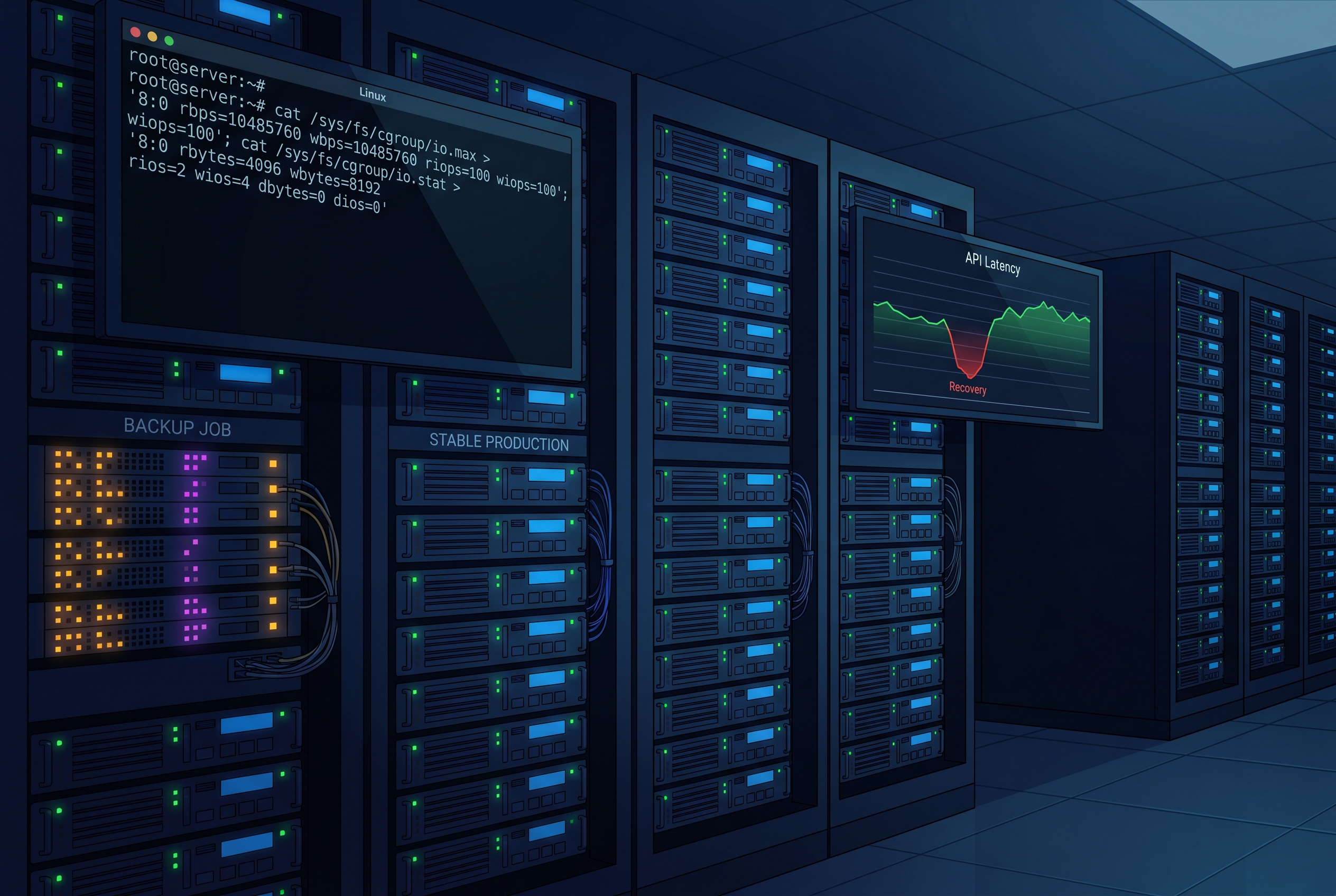
At 2:11 AM, the pager said “API latency spike,” but the dashboard looked normal at first glance. CPU sat below 40%. Memory had room. Network was quiet. The only unusual thing was a backup job that had started ten minutes earlier.
By 2:17, customer requests were timing out. The API servers were still up, but every read path that touched disk had turned sluggish. We paused the backup job and response times recovered almost instantly. That incident changed one habit in our team: we stopped trusting “nice” and process priority alone, and moved to explicit noisy neighbor disk isolation with cgroup v2 and systemd.
If you run mixed workloads on the same Linux host, this is the missing guardrail. In this guide, I’ll show a practical pattern for Linux cgroup v2 I/O throttling, when to use io.max and io.weight tuning, and how systemd IOReadBandwidthMax and related controls fit into real operations.
The failure pattern most teams miss
Disk incidents are deceptive because they do not always start as “disk full” or “device broken.” They start as contention:
- a backup or analytics export reads huge files sequentially,
- an API service needs short random reads with low latency,
- both share one device queue, and
- the API loses even when CPU and RAM look healthy.
The Linux kernel’s cgroup v2 model is built for hierarchical resource control, and the I/O controller gives us knobs for both ceilings and relative sharing. systemd exposes these controls cleanly through unit properties, so we can apply policy without writing custom daemon code.
Step 1, create a dedicated slice for background data movers
We start by grouping “non-interactive but heavy” jobs in a dedicated slice. The goal is to separate scheduling domains before we tune limits.
# /etc/systemd/system/background-io.slice
[Unit]
Description=Slice for backup and bulk data jobs

[Slice]
# Relative priority among siblings (maps to io.weight in cgroup v2 context)
IOWeight=100
CPUWeight=100
Now place the backup service in that slice:
# /etc/systemd/system/nightly-backup.service
[Unit]
Description=Nightly backup sync
After=network-online.target
Wants=network-online.target

[Service]
Type=oneshot
Slice=background-io.slice
ExecStart=/usr/local/bin/nightly-backup.sh
# Hard ceiling for this service on the primary block device
IOReadBandwidthMax=/dev/nvme0n1 40M
IOWriteBandwidthMax=/dev/nvme0n1 20M
# Optional guardrail so reclaim pressure does not hit API first
MemoryHigh=1G
Why this structure works: the slice creates a predictable boundary, then service-level limits prevent one job from saturating shared storage. This is safer than ad-hoc ionice usage alone, because your policy becomes part of service config and survives restarts and reboots.
Step 2, tune live without restarting production services
When you are in incident mode, editing unit files and redeploying can be too slow. Use runtime property updates first, then persist what worked.
# 1) Apply temporary throttles immediately
sudo systemctl set-property --runtime nightly-backup.service \
  IOReadBandwidthMax=/dev/nvme0n1 30M \
  IOWriteBandwidthMax=/dev/nvme0n1 15M

# 2) Confirm effective values in systemd
systemctl show nightly-backup.service \
  -p IOReadBandwidthMax -p IOWriteBandwidthMax -p Slice

# 3) Verify cgroup path and inspect I/O stats
CG=$(systemctl show -p ControlGroup --value nightly-backup.service)
sudo cat /sys/fs/cgroup"$CG"/io.stat
sudo cat /sys/fs/cgroup"$CG"/io.max
In practice, I use a two-phase method:
- Phase A: Clamp aggressively to stop customer impact.
- Phase B: Loosen limits gradually until backup completion time is acceptable without API regression.
Do this during realistic traffic windows, not just off-peak, or you will tune for the wrong workload.
Step 3, measure the right signals, not just “disk busy”
This is where many teams misread data. A single high %util number is not enough, especially on modern SSDs and parallel devices. Pair service-level cgroup stats with host-level device latency:
# device view
iostat -x 1

# cgroup view
systemd-cgtop

# request latency trend from your app telemetry
# (p95 read latency, queue wait, timeout rate)
What I look for during tuning:
- API read p95/p99 stabilizes first.
- Backup throughput drops predictably but does not stall.
- No retry storm appears in upstream services.
If retries spike after you throttle I/O, your bottleneck moved upstream, not away. Pair this with timeout budgeting practices like the ones discussed in our deadline propagation runbook.
Tradeoffs you should decide explicitly
1) Hard caps versus weighted sharing
Hard limits (IOReadBandwidthMax/IOWriteBandwidthMax) are excellent blast-radius control. Weights are better when you want elastic sharing under variable load. Many teams start with hard caps for safety, then move to weights after baseline confidence.
2) Host-level policy versus per-service exceptions
A single default policy is easier to audit, but exceptions are inevitable. Keep exception count low and document why each exists, or you will recreate configuration drift. If this sounds familiar, it is the same “ghost setting” risk we saw in this deterministic configuration post.
3) Faster backups versus user-facing SLOs
This is a business decision disguised as a systems decision. If backups must finish in a narrow window, run them on isolated nodes or dedicated volumes. Do not silently spend your customer latency budget on maintenance throughput.
Troubleshooting Linux cgroup v2 I/O throttling in production
Throttle settings appear applied, but behavior does not change
Check that the service is actually in the expected slice and cgroup path. A common mistake is updating one unit while the actual worker runs from another template or transient scope.
Limits reset after reboot
You likely used systemctl set-property --runtime and never persisted the unit file or drop-in. Promote known-good runtime changes into versioned config under /etc/systemd/system.
API still spikes even after capping backup I/O
You may have coupled bottlenecks: memory reclaim, fs metadata pressure, or network storage saturation. Correlate with memory pressure telemetry and cgroup memory controls. Our PSI and memory pressure guide is useful here.
systemd properties are rejected on one host but not another
This is often version skew. systemd and kernel capability levels differ across distributions and AMIs. Standardize base images, and document minimum supported versions in your platform runbook.
FAQ
Should I still use ionice if I already use cgroup v2 and systemd limits?
You can, but treat it as secondary tuning. cgroup-based policy is more explicit, centrally observable, and easier to keep consistent across services.
Do I need separate hardware to avoid noisy neighbor disk contention?
Not always. Start with cgroup and systemd isolation first. Move to dedicated disks or nodes when your SLO and backup window requirements cannot both be met on shared storage.
How do I introduce this safely in an existing estate?
Pick one non-critical background job, place it in a dedicated slice, apply conservative limits, and compare before/after latency during a normal peak hour. Expand gradually, service by service.
Actionable takeaways
- Create one dedicated slice for batch/backup jobs before tuning individual services.
- Use runtime property changes during incidents, then persist only values that proved safe.
- Track host-level I/O and cgroup-level stats together; neither view is enough alone.
- Prefer simple defaults with minimal exceptions to avoid operational drift.
- Review related reliability layers, including timer behavior and service hardening, in our posts on systemd timers and systemd service hardening.
Leave a Reply