
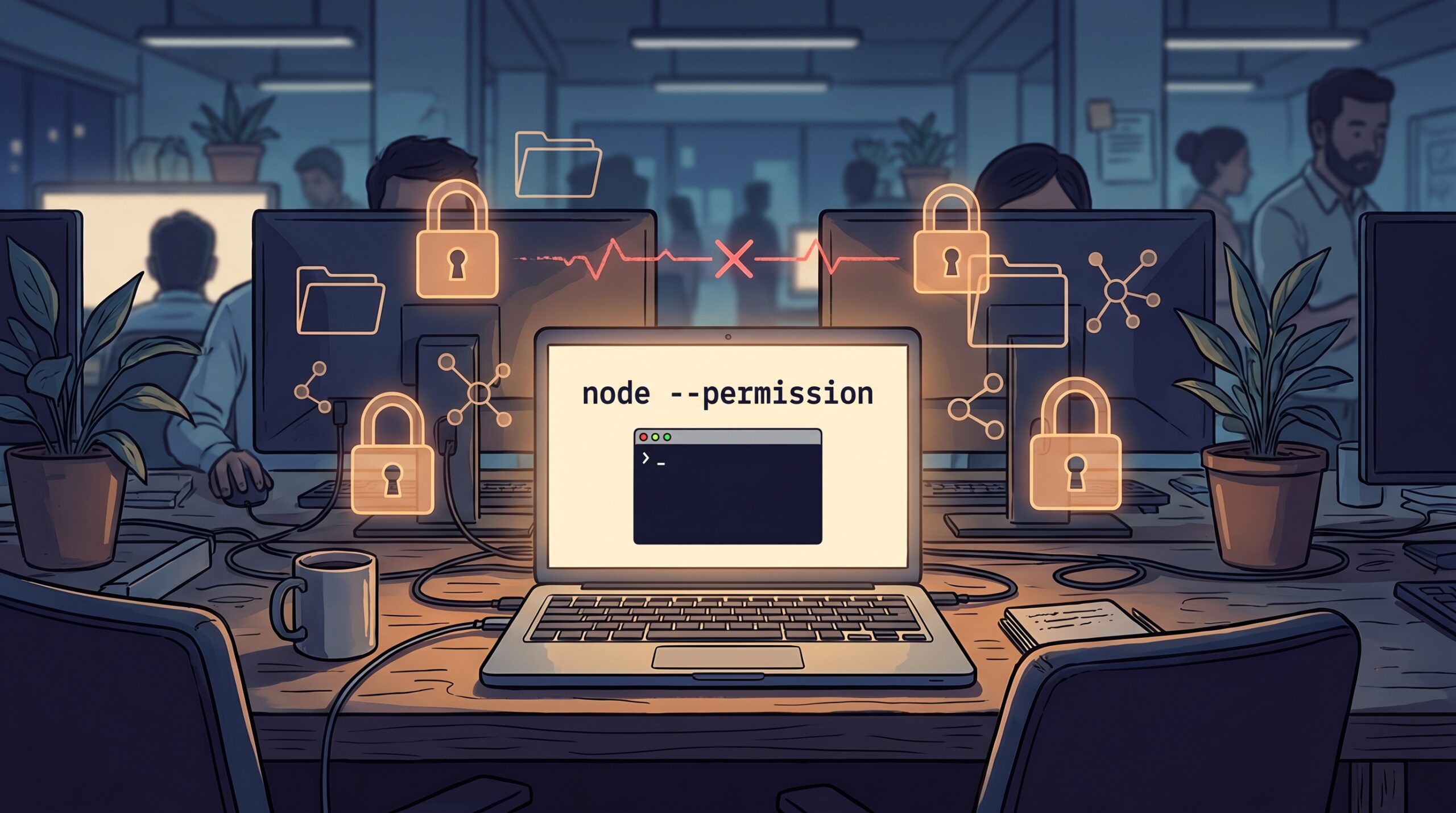
At 2:13 AM, a harmless-looking build helper in one of our Node services did exactly what it was designed to do, and exactly what we never wanted in production. It read a local config, ran a package script, and then quietly opened a network call to a host nobody had approved. Nothing “hacked” us. Nobody stole credentials. We had simply given too much trust to runtime defaults, and one transitive script took advantage of that trust.
That incident changed how we deploy Node apps. We stopped treating runtime access as all-or-nothing and moved to an explicit least-privilege model. If your team is already tightening token usage, short-lived credentials, and CI trust boundaries, this is the missing layer inside the process itself.
This guide is a practical rollout playbook for the Node.js permission model in real systems, with the tradeoffs spelled out. I will assume you run at least one API or worker in production and care more about controlled blast radius than “it works on my laptop” convenience.
The uncomfortable truth: Node is not your sandbox
Node’s own documentation is very direct about this: the permission model is a seat belt, not an anti-malware sandbox. It helps trusted code avoid accidental overreach, but it does not make malicious code impossible. That distinction matters because it changes your rollout expectations.
What the model does well is enforce explicit access grants for things teams routinely forget to constrain:
- Filesystem read and write scope
- Outbound network destinations
- Child process spawning
- Worker threads, addons, inspector, and WASI capabilities
In other words, this is Node.js least privilege as an operational discipline. It pairs nicely with controls you may already use around identity and deployment, like our earlier writeup on moving from fragile PAT scripts to GitHub App installation tokens.
Rollout pattern that does not wreck your release train
Most teams fail here by flipping --permission globally and learning in production what their app actually touches. Don’t do that. Run this in three phases:
Phase 1: Trace current access before blocking
Inventory what your service truly needs: read paths, write paths, external hosts, and whether it ever spawns child processes. Keep this list per service, not per repository, because worker and API surfaces differ.
Phase 2: Start deny-by-default in non-prod
Enable permissions in staging and grant only what is necessary. Expect breakages in startup scripts, generated temp files, and observability exporters first.
# Staging startup (example)
node \
  --permission \
  --allow-fs-read=/srv/app/dist \
  --allow-fs-read=/srv/app/config \
  --allow-fs-write=/srv/app/tmp \
  --allow-net=api.stripe.com,redis.internal,otel-collector.internal \
  ./dist/server.js
For larger services, put this in config instead of giant process args:
{
  "permission": {
    "allow-fs-read": ["./dist", "./config"],
    "allow-fs-write": ["./tmp/*"],
    "allow-net": ["api.stripe.com", "redis.internal", "otel-collector.internal"],
    "allow-child-process": false,
    "allow-worker": true,
    "allow-addons": false
  }
}
Phase 3: Enforce in prod with explicit exception flow
Once staging is stable, ship to production behind a feature flag or service-by-service rollout gate. Require change approval when new destinations or file paths are requested. That keeps permission growth intentional instead of accidental.
This is the same governance mindset we used in security workflow drift hardening: every new capability should be visible, reviewable, and auditable.
Application-side guardrails: fail clearly, not mysteriously
Runtime denial errors are useful, but only if developers can understand them quickly. Add capability probes in startup health checks and wrap risky operations with explicit error context.
import fs from "node:fs/promises";

function requirePermission(scope, reference) {
  if (!process.permission || !process.permission.has(scope, reference)) {
    const ref = reference ? ` (${reference})` : "";
    throw new Error(`Missing runtime permission: ${scope}${ref}`);
  }
}

export async function loadTenantConfig(tenantId) {
  const path = `/srv/app/config/tenants/${tenantId}.json`;
  requirePermission("fs.read", path);
  const raw = await fs.readFile(path, "utf8");
  return JSON.parse(raw);
}

export async function writeExport(tenantId, csv) {
  const output = `/srv/app/tmp/${tenantId}.csv`;
  requirePermission("fs.write", output);
  await fs.writeFile(output, csv, "utf8");
  return output;
}
Two benefits here:
- Incidents become diagnosable from logs, not guesswork.
- Developers learn capability boundaries during implementation, not postmortem.
Where npm scripts fit into this
Teams often harden runtime permissions and forget package lifecycle behavior. But npm install scripts security is part of the same threat surface, especially in CI or ephemeral build workers.
Practical baseline:
- Use
npm ci --ignore-scriptsin jobs that only need dependency resolution or lint/test steps without native postinstall hooks. - Allow scripts only in jobs that truly require them, and isolate those jobs.
- Run
npm auditin CI and usenpm audit signatureswhere your registry supports package signatures and provenance checks.
Think of this as layered runtime hardening for Node.js: lock the process, reduce install-time execution, and constrain credentials. For a related identity layer, our OpenSSH user certificates playbook explains how we cut long-lived key risk for operators.
Tradeoffs you should acknowledge before rollout
Permission controls are worth it, but they are not free. Being honest about the costs keeps teams aligned and prevents a rollback at the first rough edge.
- Developer friction goes up briefly. Your first week will surface hidden assumptions in scripts and libraries. Expect that, budget for it, and treat denials as discovery, not failure.
- Path and host ownership becomes a process question. Someone must approve new filesystem scopes and network destinations. Without ownership, exceptions accumulate and the model decays.
- Third-party packages can surprise you. A dependency update may introduce a new runtime behavior, so lockfile review and canary rollout become more important.
- You still need layered controls. Permissions reduce accidental damage, but supply-chain, identity, and session controls remain mandatory. Defense-in-depth is the goal, not one perfect switch.
We track rollout health with three simple metrics: number of denied operations per deploy, number of temporary exceptions older than 14 days, and mean time to resolve permission-related incidents. If those trend in the right direction, the program is working.
Troubleshooting: what breaks first and how to unstick it fast
1) “Works locally, fails in container with ERR_ACCESS_DENIED”
Likely cause: container paths differ from local assumptions (for example, /app vs /srv/app).
Fix: align permission paths to runtime mount points, not repository-relative paths from your laptop.
2) Outbound calls fail after enabling permissions
Likely cause: missing host allowlist entries for telemetry, auth, or region-specific APIs.
Fix: add explicit hostnames, then re-test. Avoid wildcarding whole domains unless you have a strong business reason.
3) Build or migration scripts crash unexpectedly
Likely cause: script tries to spawn a process, load addon binaries, or write outside allowed temp directories.
Fix: split build-time and runtime profiles. Your API process should not inherit every permission the build pipeline needed.
4) Teams keep requesting “just allow everything”
Likely cause: missing ownership model for permission changes.
Fix: require an issue + review for each new grant, and expire emergency grants by default.
FAQ
Is the Node.js permission model enough to stop malicious dependencies?
No. Node documentation explicitly says this is not a guarantee against malicious code. Use it as blast-radius reduction, alongside dependency hygiene, credential scoping, and CI policy controls.
Should I enable permissions for every Node process on day one?
No. Start with externally exposed APIs and sensitive workers first. High-risk surfaces benefit most, and early wins build confidence for broader adoption.
Can this slow down delivery?
At first, yes, if you treat every denial as friction. In practice, teams that codify approval paths and clear ownership ship faster after week two because failures become predictable and reviewable.
Actionable takeaways for this week
- Pick one production service and document its current read/write/network requirements.
- Enable
--permissionin staging with minimal grants and capture denials for 48 hours. - Add startup capability probes using
process.permission.has()for critical operations. - Separate build-time and runtime permission profiles so production does not inherit CI privileges.
- Review session and cookie boundaries in parallel, especially if your app embeds auth flows (see our CHIPS and SameSite guide).
Leave a Reply