
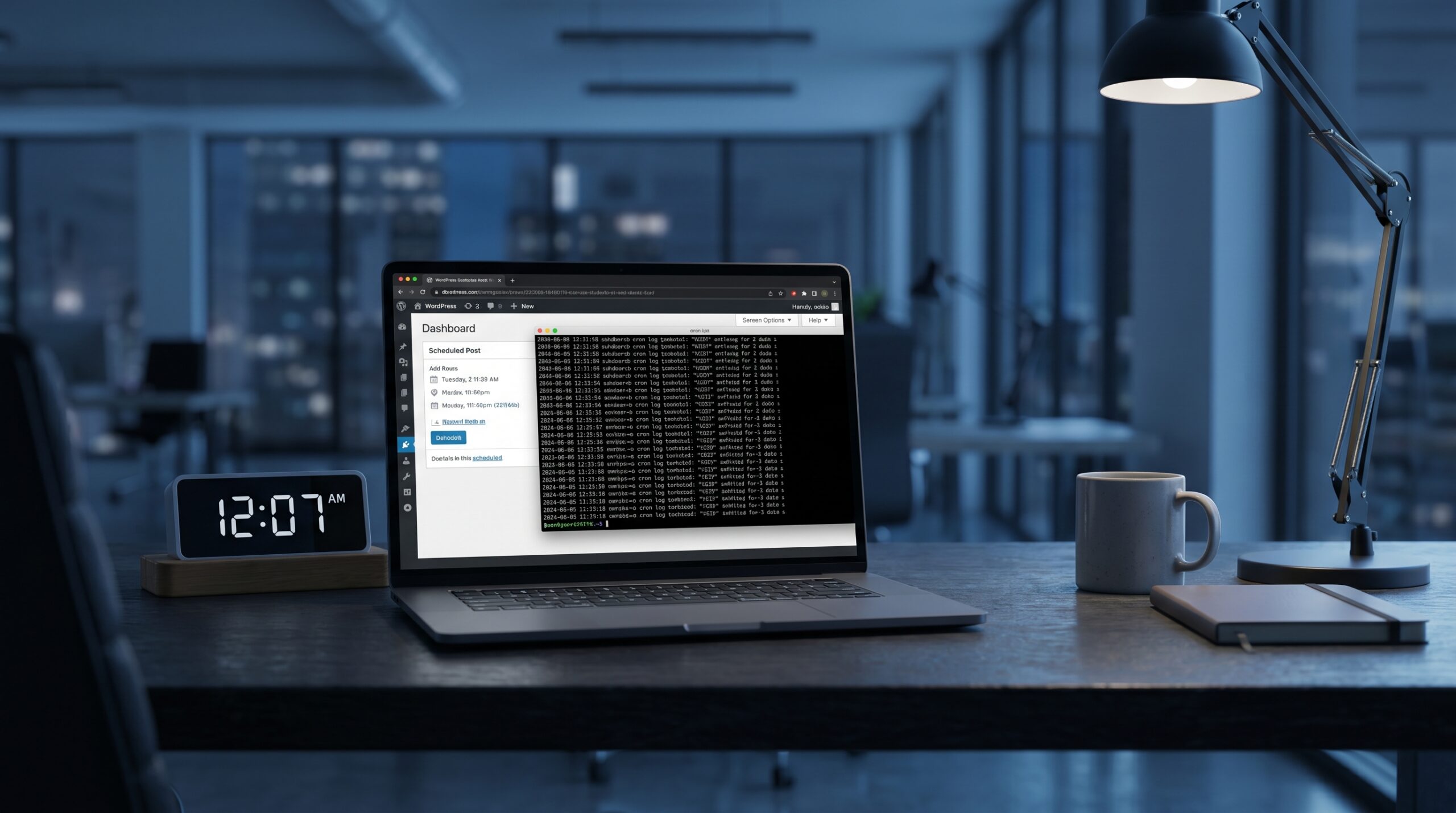
Missed scheduled posts break reader trust. Here is a practical WordPress cron reliability setup using system cron, DISABLE_WP_CRON, and Action Scheduler.
Category: Wordpress
-

WordPress hardening checklist in 2026: Practical Implementation Guide
WordPress hardening checklist in 2026: Practical Implementation Guide WordPress hardening is most effective when run as an ongoing checklist with clear ownership. Security improves through repetition, verification, and least privilege. Why this matters in 2026 Plugin ecosystem introduces regular update…
-

WordPress in 2026: Build a Pre-Publish Content QA Pipeline with Custom WP-CLI Commands
If your WordPress workflow still depends on manual preview checks, you are probably shipping avoidable mistakes. Broken links, missing alt text, oversized images, weak meta descriptions, and inconsistent heading structures can quietly hurt SEO and user trust. The good news…
-
WordPress in 2026: Build a Secure Custom REST API Plugin with Capability Checks, Nonces, and Smart Caching
If you still run WordPress as only a CMS in 2026, you are leaving performance and product velocity on the table. Modern teams are using WordPress as a reliable content and workflow backend while exposing task-specific APIs for dashboards, mobile…
-
WordPress Performance Optimization: Speed Up Your Site to Under 1 Second
A fast WordPress site improves SEO, user experience, and conversion rates. Here is your complete guide to making WordPress blazingly fast.Server-Level OptimizationsEnable OPcache; php.ini opcache.enable=1 opcache.memory_consumption=256 opcache.max_accelerated_files=20000 opcache.revalidate_freq=60Use Object Caching with Redis// wp-config.php define("WP_REDIS_HOST", "127.0.0.1"); define("WP_REDIS_PORT", 6379); define("WP_REDIS_DATABASE", 0);Database Optimization–…
-
How to make WordPress permalinks, SEO friendly URL working on Localhost, Apache, XAMPP
Are you getting "page not found" or "Object not found" error after activating the permalinks in Wordpress and SEO friendly URL in Joomla or any other while working on Localhost of your computer? Here is the solution to make them…
-

How to make navigation menu sticky
If you want to make your navigation menu or any other box stick to top on scroll then let me tell you, you are at the right place 😉 Yes, you can make your navigation menu or any other box…
-
File manager plugin for WordPress
7t-filemanager is simple to use file manager for wordpress with code editor to edit files. Create new files and folders. You can also upload, download, copy, delete multiple files.
-

How to use WordPress login in your plugin or theme
Many of you wanted to use the Wordpress login in your wordpress plugin or theme. Wordpress made it really easy so that user can login to wordpress by using your wordpress plugin or theme. How to do it? Just be…
-

How to add a WordPress drop down menu to your wordpress theme
Many times you install a theme which either do not support a custom wordpress menu or have only one wordpress custom menu and you wish to add a custom wordpress drop down menu to the theme but you don't know…
-

How to use wordpress mail function wp_mail()
As we know that we have a mail function mail() in Php which can be used to send plain text mail, HTML mail and mail with attachment. In the Php mail() function it is easy to send plain text mail…
-

How to add featured image support in WordPress theme
By default any Wordpress theme do not have the Featured image support. But any one can add featured image wordpress support in any wordpress theme by including few simple steps which i am going to tell you. These adding this…