
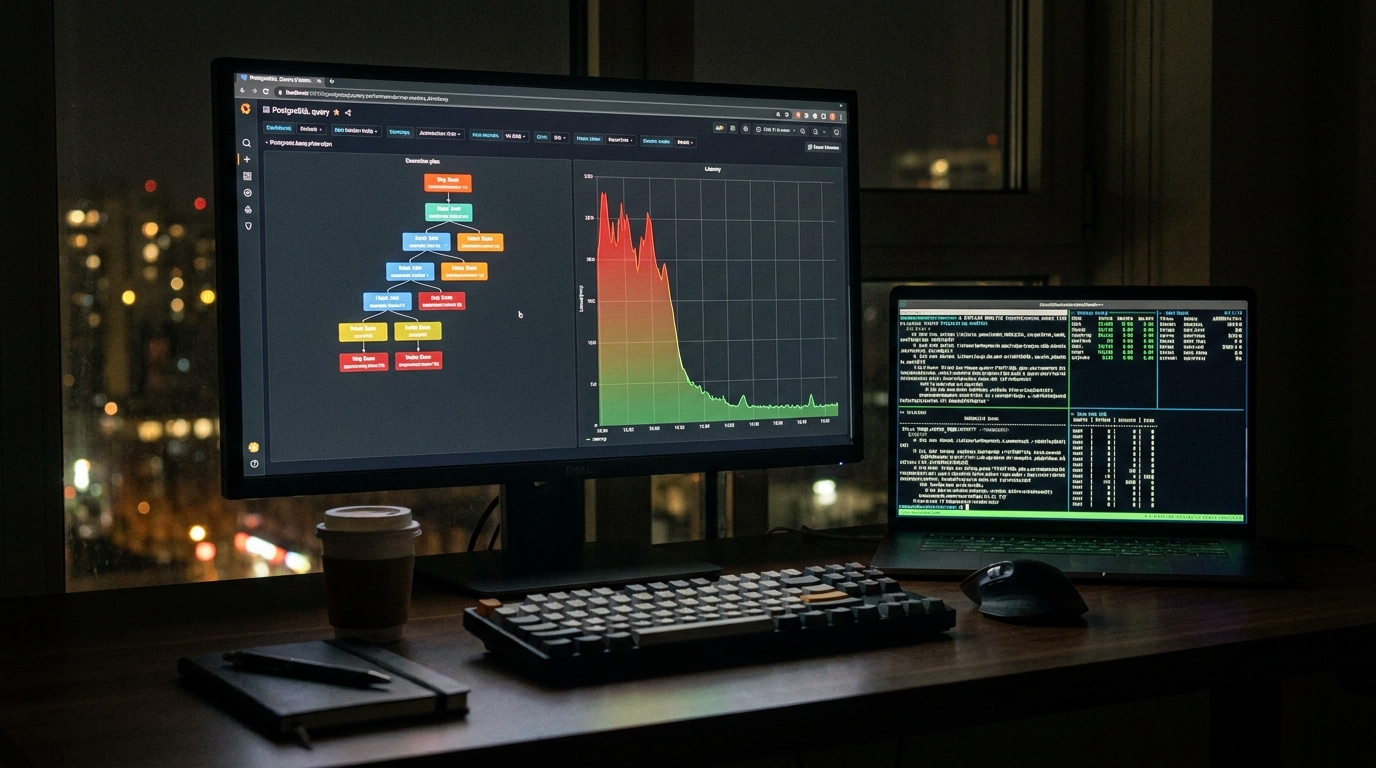
At 9:12 on a Tuesday, our on-call channel lit up with a message nobody likes: “Search is timing out for paying users only.” The dashboard looked weird. CPU was fine. Connections were normal. Cache hit ratio looked healthy. But one query, the query that powers account search, had jumped from a p95 of 120ms to nearly 1.8s after what looked like a harmless release.
We almost went down the usual rabbit hole: bump instance size, add random indexes, blame the ORM. Instead, we treated it like a PostgreSQL query plan drift incident and followed a short, evidence-first runbook. By lunch, p95 was down to 140ms, with no emergency hardware spend and no “pray and deploy” SQL.
This guide is that runbook.
The failure mode most teams miss: same SQL text, different plan reality
Plan drift usually does not announce itself as a syntax or migration error. The SQL text can be unchanged for weeks. What changes is planner behavior under new data distribution, stale statistics, parameter skew, or a subtle index tradeoff. If you already run reliability playbooks in app services, this feels similar to timeout budget collapse in APIs, just one layer deeper in the stack. (If that sounds familiar, this earlier post on deadline propagation and safe degradation is a good companion.)
For database incidents, the key is to stop guessing and collect planner evidence in this order:
- Which normalized query regressed?
- Did planning behavior or execution behavior change?
- Can we predict a better plan before touching production schema?
Step 1, start with low-noise pg_stat_statements monitoring
Before touching indexes, confirm you are measuring the right thing. pg_stat_statements gives normalized query stats and separates planning from execution timing when configured correctly. It also tracks calls, rows, block reads, and WAL stats that help explain why a query “feels” slower.
-- one-time setup (requires shared_preload_libraries + restart if not already enabled)
CREATE EXTENSION IF NOT EXISTS pg_stat_statements;

-- quick regression view: top queries by mean exec time in last window
SELECT
  queryid,
  calls,
  round(mean_exec_time::numeric, 2) AS mean_exec_ms,
  round(total_exec_time::numeric, 2) AS total_exec_ms,
  rows,
  shared_blks_hit,
  shared_blks_read,
  temp_blks_read,
  temp_blks_written,
  query
FROM pg_stat_statements
WHERE dbid = (SELECT oid FROM pg_database WHERE datname = current_database())
ORDER BY mean_exec_time DESC
LIMIT 15;
Two practical notes:
- Reset counters intentionally before an experiment window, not during incident triage, unless you save a snapshot first.
- Parameter normalization is useful, but it can hide skew. Keep a path to inspect parameter-sensitive behavior separately.
If your team is building analytics workflows too, this ties nicely with our SQL reliability piece on trustworthy analytics under AI acceleration, where we discuss data correctness signals alongside performance metrics.
Step 2, enable targeted auto_explain configuration, not global log spam
When latency jumps, people often enable everything and drown in logs. Don’t. Use auto_explain surgically.
# postgresql.conf (or ALTER SYSTEM with caution)
session_preload_libraries = 'auto_explain'
auto_explain.log_min_duration = '500ms'
auto_explain.log_analyze = on
auto_explain.log_buffers = on
auto_explain.log_wal = on
auto_explain.log_timing = off      # reduce overhead during incident
auto_explain.log_format = 'json'
auto_explain.sample_rate = 0.2     # start low, raise only if needed
Why this profile works:
log_timing=offkeeps instrumentation overhead down while preserving row and buffer behavior.- JSON format makes plan diffs scriptable.
- A sample rate prevents your logging pipeline from becoming the next incident.
Tradeoff: if you disable timing, you lose per-node time precision. During acute incidents that is usually acceptable, and you can re-enable timing later in a narrower window.
Step 3, capture the “good vs bad” plans with identical semantics
Once you isolate the regressed query, run EXPLAIN (ANALYZE, BUFFERS, WAL, FORMAT JSON) in a safe session. If the statement mutates data, wrap in a transaction and roll back. Compare plans structurally, not emotionally.
BEGIN;
EXPLAIN (ANALYZE, BUFFERS, WAL, FORMAT JSON)
SELECT id, account_id, created_at
FROM invoices
WHERE account_id = $1
  AND status = 'open'
ORDER BY created_at DESC
LIMIT 50;
ROLLBACK;
Red flags I prioritize:
- Index scan flipped to seq scan despite selective predicates.
- Sort spilled to temp blocks after row estimate mismatch.
- Nested loop exploding because one side estimate is off by orders of magnitude.
At this stage, you should be able to state one clear hypothesis, for example: “Planner underestimates open invoices per account, causing a bad join path and temp sort.” If you cannot state that in one sentence, gather better evidence before touching DDL.
Step 4, test fixes with HypoPG hypothetical indexes before real index DDL
This is where many teams save hours. With HypoPG, you can check whether the planner would choose a candidate index without actually creating it. No lock anxiety, no write amplification yet, and no rollback ceremony for failed index ideas.
CREATE EXTENSION IF NOT EXISTS hypopg;

-- try candidate index shape
SELECT *
FROM hypopg_create_index(
  'CREATE INDEX ON invoices (account_id, status, created_at DESC)'
);

EXPLAIN
SELECT id, account_id, created_at
FROM invoices
WHERE account_id = 4242
  AND status = 'open'
ORDER BY created_at DESC
LIMIT 50;

-- clean up hypothetical objects in this session
SELECT hypopg_reset();
Important caveat: hypothetical indexes affect planner choices for EXPLAIN, not real execution. That is exactly what you want during design, but do not mistake this for production proof. After selecting an index, still validate with real execution metrics and write-path impact.
Choosing the final fix: speed, write cost, and operational risk
In our incident, the winning fix was a composite index aligned with filter + sort order, followed by targeted ANALYZE on the high-churn table. We rejected two tempting alternatives:
- Bigger instance: fastest to click, worst long-term signal. You pay monthly and keep the root cause.
- Over-wide covering index: looked great for one query, but increased write latency for adjacent flows.
Use this simple decision frame:
- Read gain: Does p95/p99 improve under representative load?
- Write tax: What is insert/update overhead from the new index?
- Blast radius: Could planner choices for other hot queries regress?
- Rollback path: Can you drop or disable safely if metrics worsen?
If your platform team also maintains infra and queues, it helps to align DB changes with the same reliability discipline used in other services. We use similar review gates in our Node.js throughput post (real throughput, not simulated productivity) and in our security hardening runbook (reduce hidden attack paths during ops work).
Troubleshooting when the fix does not stick
- Symptom: Query is still slow after index creation.
Check: Did you runANALYZEon the affected table, and are stats targets sufficient for skewed columns? - Symptom: Plan flips back and forth between deployments.
Check: Parameter sensitivity. Compare plans for hot and cold parameter values separately. - Symptom:
auto_explainlogs too noisy to use.
Check: Raiselog_min_duration, lowersample_rate, keep JSON, and scope to incident sessions. - Symptom: You cannot explain why planner ignores your index.
Check: Predicate order, collation/type mismatch, and whether ORDER BY direction matches index definition.
FAQ
1) Should I keep auto_explain.log_analyze on permanently in production?
Usually no, at least not broadly. Keep a conservative baseline and raise detail temporarily during incidents. Continuous high-detail logging can add overhead and logging cost.
2) Is HypoPG enough to approve an index?
It is excellent for planner what-if analysis, but it is not full proof of runtime gains. You still need real execution checks, especially for write-heavy tables and mixed workloads.
3) How often should we review top queries?
For active products, weekly review of top query fingerprints is a good baseline, with immediate review after schema or major feature releases. Tie this to release checklists so it becomes routine instead of emergency work.
Actionable takeaways
- Adopt a formal PostgreSQL query plan drift runbook before your next incident, not during it.
- Track normalized query fingerprints with pg_stat_statements monitoring and snapshot before resets.
- Use incident-scoped auto_explain configuration with JSON logs and controlled sampling.
- Validate index ideas first with HypoPG hypothetical indexes, then verify with real workload metrics.
- Treat every performance fix as a tradeoff decision across read latency, write tax, and rollback safety.
Leave a Reply