
Last month, one of our sale pages had an odd support ticket pattern. Nobody said the site was down. Nobody complained about errors. They just wrote the same thing in different words, “I tapped a product, saw a blank beat, and went back.” That one-second hesitation was enough to kill confidence. Conversion dropped before any alert fired.
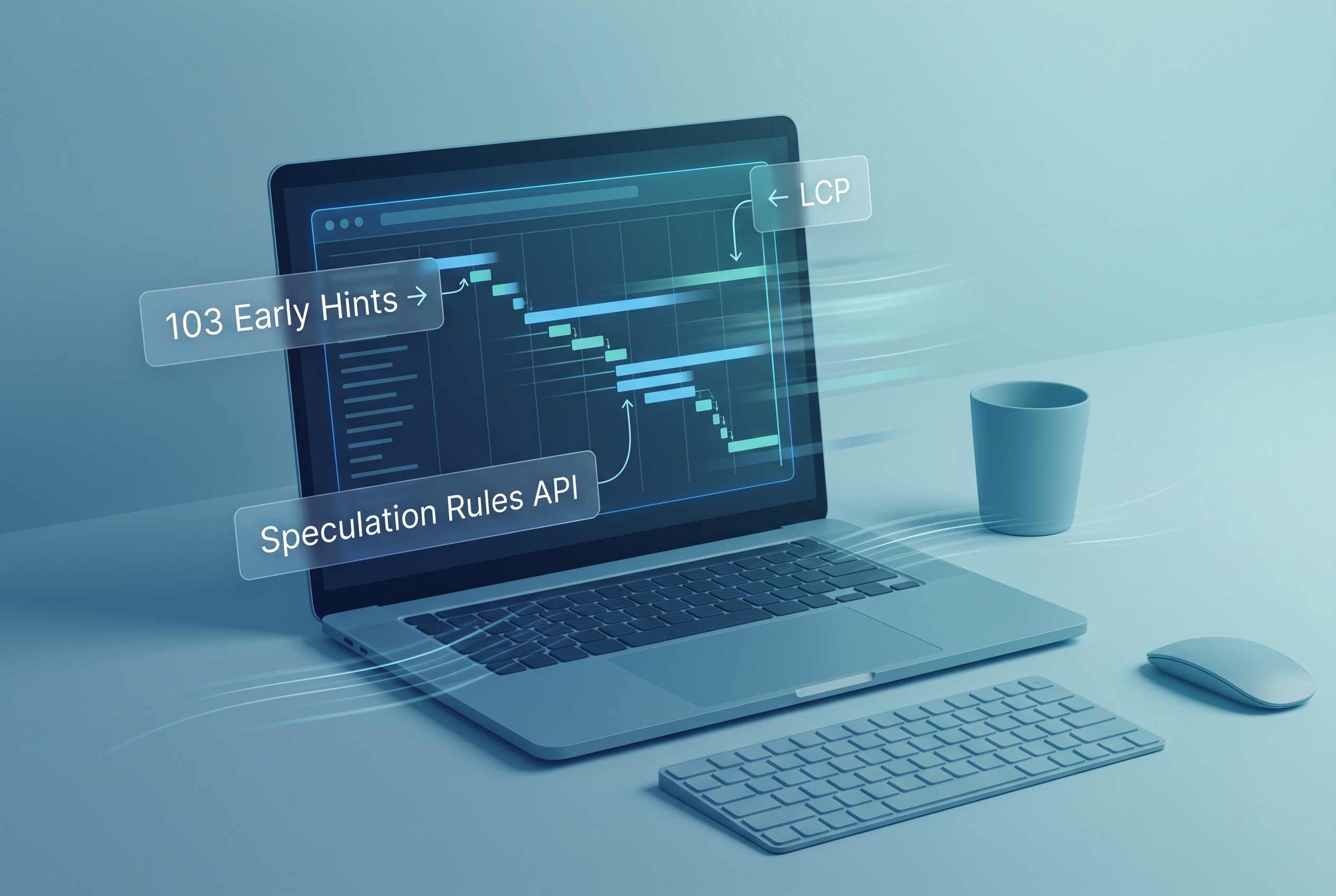
What fixed it was not a redesign or a framework migration. We used three browser-level levers that are finally practical in 2026 stacks: Speculation Rules API, 103 Early Hints, and selective fetchpriority. Used together, they reduce dead air between intent and paint, especially on first navigation paths where users decide whether your app feels fast or fragile.
This guide is intentionally implementation-first. It focuses on tradeoffs and failure modes, not hype. If you want adjacent context, our earlier breakdowns on HTTP caching mistakes in production, INP optimization with long-task budgets, and frontend performance guardrails for React teams pair well with this playbook.
The latency you do not see: server think-time and navigation gaps
The Chrome team’s Early Hints documentation describes the core problem clearly: while your origin or edge is still building HTML, the browser is often idle. That idle period is expensive because your critical CSS, fonts, and script discovery are delayed until the final response lands. 103 Early Hints lets you use that think-time by sending preload and preconnect hints before the main document is ready.
At the same time, MDN’s Speculation Rules API docs show a complementary strategy. Instead of waiting for the next click to begin all work, you prefetch or prerender likely next pages when intent is strong enough. That is why this article treats these features as a chain, not isolated tricks:
- Early Hints accelerates the current navigation’s critical path.
- Speculation Rules accelerates the next navigation.
- fetchpriority helps the browser rank hero resources when everything wants bandwidth.
Primary keyword: speculation rules api.
Secondary keywords: 103 early hints, largest contentful paint optimization, fetchpriority.
Step 1: send 103 Early Hints only for stable critical assets
Do not start with every route. Start with top entry pages that own most first impressions: homepage, pricing, top category pages, and top campaign landing pages. Then include only stable assets in hints, usually your primary stylesheet and one critical script chunk. Avoid short-lived hashed assets unless your deployment pipeline guarantees synchronization.
import http from "node:http";
import fs from "node:fs";

const appCss = "/assets/app.81c4.css";
const appJs = "/assets/runtime.9b77.js";

http.createServer((req, res) => {
  if (req.url === "/" || req.url?.startsWith("/products")) {
    // Node supports writeEarlyHints in modern LTS versions.
    res.writeEarlyHints({
      link: [
        `<${appCss}>; rel=preload; as=style`,
        `<${appJs}>; rel=preload; as=script`,
        "<https://fonts.gstatic.com>; rel=preconnect"
      ]
    });
  }

  const html = fs.readFileSync("./dist/index.html", "utf8");
  res.writeHead(200, {
    "content-type": "text/html; charset=utf-8",
    // Keep Link headers in final response for compatibility and caching behavior.
    "link": `<${appCss}>; rel=preload; as=style, <${appJs}>; rel=preload; as=script`
  });
  res.end(html);
}).listen(8080);
Tradeoff to respect: Early Hints can waste bandwidth if your hinted resource list drifts from actual output. Keep hints generated from the same manifest used to render HTML, or do not ship them yet.
Step 2: add Speculation Rules with conservative or moderate eagerness
Speculation rules are powerful precisely because they can become expensive when used carelessly. Chrome’s current guidance and limits make one thing clear: you should align aggressiveness with confidence. For most content and commerce pages, moderate is the pragmatic starting point. It reacts to real user intent signals (like hover dwell on desktop) without blindly prerendering half your site.
<script type="speculationrules">
{
  "prerender": [{
    "where": {
      "and": [
        { "href_matches": "/products/*" },
        { "not": { "href_matches": "*/cart" } },
        { "not": { "href_matches": "*/logout" } },
        { "not": { "selector_matches": "[rel~=nofollow]" } }
      ]
    },
    "eagerness": "moderate"
  }],
  "prefetch": [{
    "where": { "href_matches": "/guides/*" },
    "eagerness": "conservative"
  }]
}
</script>
Three practical rules that save teams from regret:
- Do not prerender pages with expensive side effects unless guarded (for example analytics events, write operations, or auto-start media).
- Exclude auth transitions like logout, billing flows, and destructive operations by pattern.
- Treat prefetch as the low-risk default and upgrade specific paths to prerender after data proves value.
If your release process is still maturing, borrow the staged rollout approach from our safe release playbook: feature flag, segment traffic, and compare field metrics before full rollout.
Step 3: use fetchpriority for the one asset users are waiting for
MDN now marks image fetch priority broadly available across modern browsers (baseline 2024+), which makes it useful in real production paths. This is not a silver bullet. It is a hint, and overusing high can create priority inflation. But for one above-the-fold hero image that often wins LCP, it can help browsers schedule work more sensibly.
<img
  src="/images/hero-launch.webp"
  alt="Dashboard preview"
  width="1280"
  height="720"
  loading="eager"
  decoding="async"
  fetchpriority="high" />
Use this only for your true LCP candidate. If you set high priority on five images, you have effectively set priority on none.
Measuring impact without fooling yourself
The easiest mistake in largest contentful paint optimization is celebrating lab wins that do not survive real traffic. Use this sequence instead:
- Baseline p75 LCP by page template and device class (mobile and desktop separately).
- Roll out 103 Early Hints on top entry routes first.
- Enable speculation rules only on selected templates with explicit exclusions.
- Track both wins and regressions: bytes transferred, cache hit behavior, and bot traffic anomalies.
Expect variability. Some routes improve meaningfully, others barely move. That is normal because benefits depend on user journey shape, cache warmth, and resource graph stability. The goal is not headline gains everywhere. The goal is consistent reduction of navigation hesitation on your highest-value flows.
Troubleshooting: when “instant” navigation is still inconsistent
1) Early Hints sent, but no measurable LCP change
Likely causes: hinted assets are already discovered early in HTML, or the bottleneck is CPU/main-thread, not network start time.
What to do: verify your top LCP bottleneck first. If scripting dominates, prioritize JavaScript execution control before adding more preload hints.
2) Prerender cancelations in real sessions
Likely causes: page uses APIs restricted during prerender, unexpected dialogs, or side-effectful scripts on load.
What to do: start with prefetch, then promote only proven-safe routes. Keep prerender route allowlists tight.
3) Analytics inflated after speculation rollout
Likely causes: pageview events firing during prefetch or prerender lifecycle handling.
What to do: gate analytics dispatch on real activation/visibility and validate against server-side session counts.
4) Bandwidth complaints on constrained networks
Likely causes: aggressive eagerness on broad URL patterns.
What to do: downgrade to conservative/moderate, narrow matchers, and keep a fast kill switch.
FAQ
Q1: Should I ship 103 Early Hints or Speculation Rules API first?
If your entry pages have measurable server think-time, start with 103 early hints. If your issue is slow second-click navigation, start with speculation rules api in conservative mode. Most teams eventually use both.
Q2: Is prerender always better than prefetch?
No. Prerender can deliver near-instant transitions, but it costs more memory and network. Prefetch is lower risk and often the right first phase for uncertain paths.
Q3: Can fetchpriority replace preload or good caching?
No. fetchpriority is a scheduling hint, not a transport strategy. Keep solid caching and preload discipline first, then use fetchpriority for targeted tie-breaks.
Actionable takeaways
- Pick three high-traffic entry routes and ship 103 Early Hints only for stable critical assets.
- Implement speculation rules with
moderateorconservativeeagerness before trying aggressive patterns. - Use
fetchpriority="high"only on the real LCP hero candidate, not as a blanket setting. - Create exclusion patterns for auth, cart, and destructive paths before enabling prerender.
- Judge rollout success on field p75 LCP and navigation completion, not just synthetic scores.
If you make these changes in this order, you usually get a better first impression without rewriting your app shell or introducing risky framework churn. In practical teams, that is what sustainable speed work looks like.
Leave a Reply