
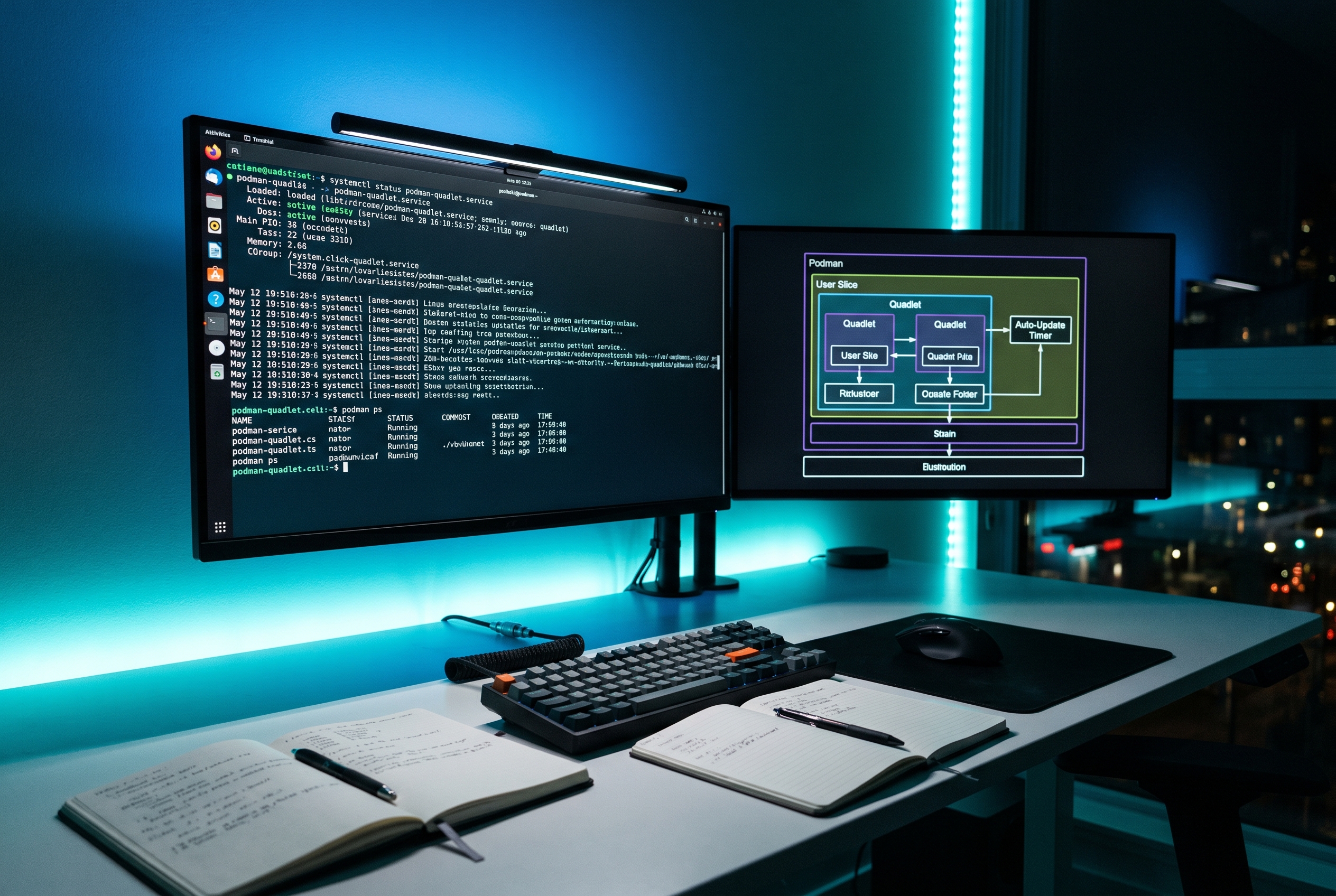
At 7:12 on a Tuesday morning, a team I was helping got an alert that their API node had rebooted cleanly, but one container never came back. The app itself was fine. The image was fine. The problem was orchestration glue, a chain of shell scripts, hand-written restart logic, and one tiny assumption about login sessions that broke during maintenance.
That incident is why I now prefer a simpler pattern on Linux hosts: rootless Podman + Quadlet + systemd user services. Fewer moving parts, better observability, and restarts that behave like the rest of your OS services instead of a custom side project.
This post is a practical, production-minded guide to that setup, especially if you want updates and restarts to be predictable.
The architecture in one sentence
Define containers declaratively in Quadlet .container files, let systemd generate and supervise units, and handle image refreshes with podman auto-update when (and only when) your workload is ready for that tradeoff.
Primary keyword: Podman Quadlet
Secondary keywords: rootless containers, systemd user services, podman auto-update
Why this pattern is holding up better in 2026
- Daemonless runtime: Podman does not require a long-running central daemon for basic container lifecycle operations.
- System-native supervision: systemd already handles ordering, restart policy, resource controls, and logging through journald.
- Declarative service files: Quadlet lets you keep container intent in text files instead of long, fragile shell commands.
- Safer default blast radius: rootless execution narrows impact compared with rootful container processes, while still supporting common web/API workloads.
If you already liked the reliability ideas in our Linux posts on systemd timers vs cron, systemd service hardening, and cgroup v2 guardrails, this setup fits naturally into that same operational style.
A clean baseline setup (rootless)
For rootless units, Quadlet files are typically placed under ~/.config/containers/systemd/. After systemctl --user daemon-reload, systemd sees generated service units.
[Unit]
Description=orders-api (rootless)
After=network-online.target
Wants=network-online.target

[Container]
Image=ghcr.io/example/orders-api:1.4.3
ContainerName=orders-api
PublishPort=127.0.0.1:18080:8080
Environment=APP_ENV=prod
EnvironmentFile=%h/.config/orders-api/env
Volume=%h/data/orders-api:/var/lib/orders:Z
AutoUpdate=registry

[Service]
Restart=always
RestartSec=5s
TimeoutStartSec=900

[Install]
WantedBy=default.target
Save this as ~/.config/containers/systemd/orders-api.container, then:
systemctl --user daemon-reload
systemctl --user enable --now orders-api.service
systemctl --user status orders-api.service
journalctl --user -u orders-api.service -n 100 --no-pager
The two tradeoffs that matter most
1) Rootless lifecycle depends on user service behavior
In practice, teams get bitten when they assume user units behave like system units during reboots and logouts. If this is a host-level workload, validate your session/lifecycle model first and test reboot behavior explicitly in staging.
2) Auto-updates reduce toil but can widen change frequency
AutoUpdate=registry is powerful, but it means a new upstream image digest can trigger service restarts when your update timer runs. That is great for patch velocity and risky for surprise changes if you do not gate image tags carefully.
A good compromise is immutable version tags in critical paths, plus controlled rollout jobs for :latest-style update streams.
How to run auto-updates without chaos
Podman provides podman-auto-update.service and a timer. Keep it, but treat it like deploy automation, not magic.
# Preview impact first
podman auto-update --dry-run

# If output looks correct, run update
podman auto-update

# Inspect timer cadence
systemctl list-timers | grep podman-auto-update
Operationally, I recommend three guardrails:
- Use fully qualified image references for registry-based updates.
- Expose readiness correctly so restart success means real app readiness, not just process start.
- Pin critical services to explicit tags, and move tags forward intentionally.
If your team is already managing dependency risk in CI, this mirrors the same philosophy we used in our Java integrity workflow post: verify first, then promote.
Troubleshooting: when Quadlet behaves differently than expected
Symptom 1: Unit exists but container never starts
- Run
systemctl --user daemon-reloadafter changing Quadlet files. - Check for syntax mistakes in the
[Container]section. - Inspect user unit logs:
journalctl --user -u your.service -b.
Symptom 2: Service times out on startup after reboot
- Image pull/build can exceed default startup windows.
- Increase
TimeoutStartSecin[Service]for heavy images or slow registries.
Symptom 3: Auto-update says “updated”, app still unhealthy
- Confirm your app emits readiness correctly.
- Validate health endpoint behavior after container restart.
- Review rollback settings and journal logs around restart boundaries.
Symptom 4: Rootless file paths work in shell but fail in unit
- Use paths resolvable in user service context (
%his useful). - Re-check permissions on bind mounts and env files.
Symptom 5: Resource spikes after migration from ad-hoc scripts
- Carry over explicit CPU/memory/IO limits into systemd and cgroup settings.
- Use the same measurement discipline you would use for event loop latency and tail behavior in services, similar to our Node reliability write-up: measure the right saturation signals.
FAQ
Q1) Is Quadlet only for rootless containers?
No. Quadlet supports rootful and rootless flows. Rootless is attractive for least-privilege posture, but rootful can still be valid for specific host-level requirements.
Q2) Can I set User= inside Quadlet to force rootless behavior?
Not the way many expect. For rootless Quadlet, place units in the rootless search paths and run them as that user’s systemd context. Do not rely on User= in the service section as a substitute for proper rootless unit placement.
Q3) Should every service use AutoUpdate=registry?
No. Use it where rapid patching beats strict release control. For stateful or high-risk services, prefer pinned versions and explicit promotion pipelines.
A practical seven-day migration rhythm
If you are introducing this pattern to an existing fleet, avoid the big-bang cutover. A one-week rhythm works better:
- Day 1: Convert one stateless service into a Quadlet file and keep the old deploy path available.
- Day 2: Add observability checks, especially startup duration, restart count, and first-error-after-restart.
- Day 3: Reboot the host in staging and validate service recovery sequence from cold boot.
- Day 4: Run
podman auto-update --dry-runand review exactly what would change. - Day 5: Execute one controlled update window with live monitoring and rollback notes ready.
- Day 6: Capture findings into a template so the second and third services migrate faster.
- Day 7: Decide where auto-update is safe and where pinned tags remain the better operational choice.
This rhythm sounds slower, but it usually ships faster because you remove unknowns early instead of discovering them during an outage window.
Actionable takeaways
- Start with one non-critical service and migrate to a Quadlet
.containerfile. - Test reboot, logout/session behavior, and restart recovery before broad rollout.
- Enable auto-update only after dry-run checks and readiness verification are in place.
- Document one rollback path per service, including exact unit and image commands.
- Track restart reason, startup time, and post-restart error budget as first-class metrics.
References used for this guide
- Podman Quadlet/systemd unit reference: docs.podman.io
- Podman auto-update reference: docs.podman.io
- systemd service unit semantics: man7.org
If your current container lifecycle still depends on “who last edited the deploy script”, moving that logic into Quadlet and systemd is one of the highest-leverage reliability upgrades you can make this quarter.
Leave a Reply